Description
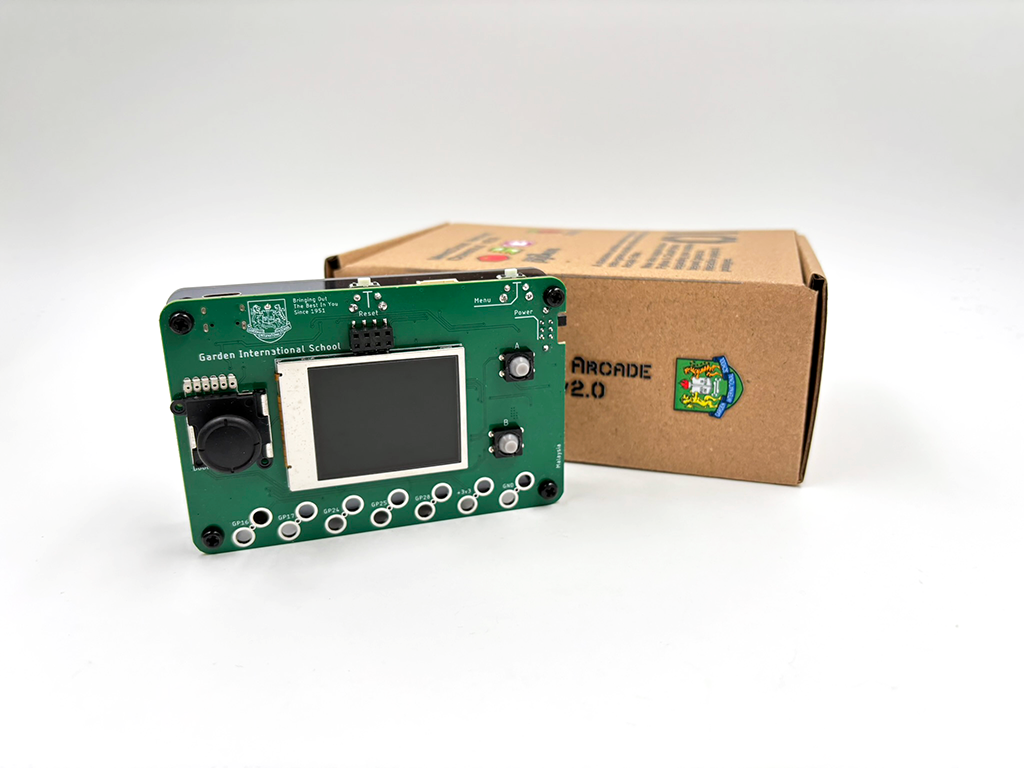
A custom-built handheld gaming console designed specifically for students at Malaysia Garden International School (GIS).
This console is part of a broader STEM initiative to empower students with hands-on experience in game development, embedded systems, and creative coding using Microsoft MakeCode Arcade.
————————————————————————————-
Overview
————————————————————————————-
The GIS MakeCode Arcade Console is a ready-to-use educational device that allows students to:
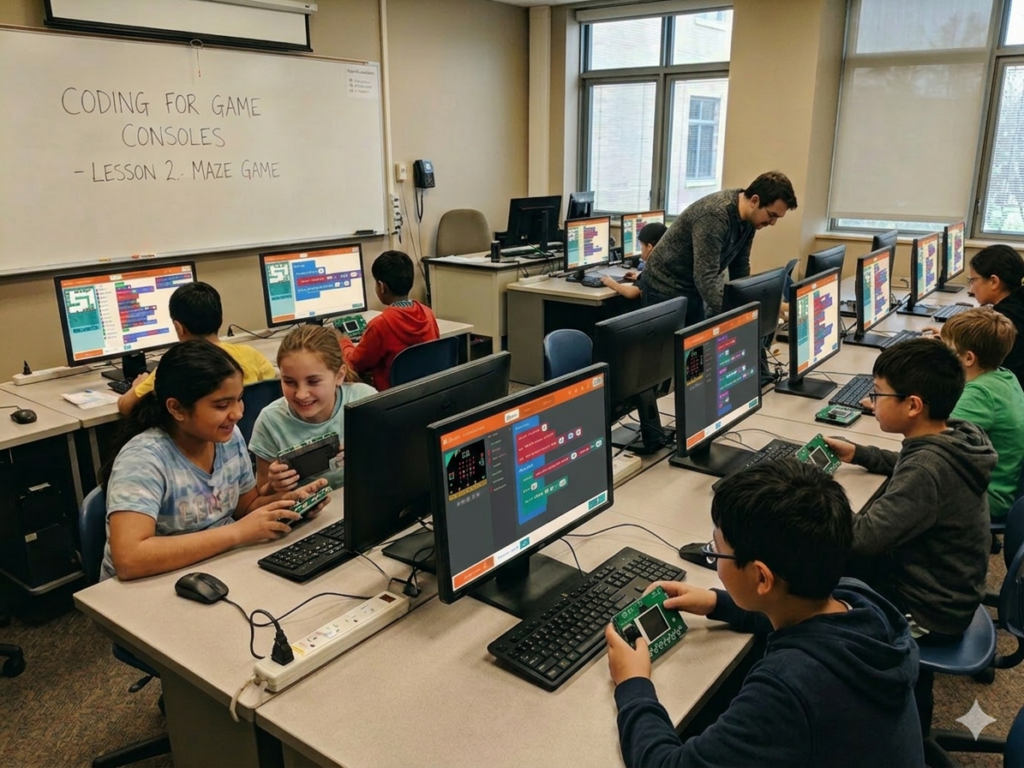
– Design and play their own games
– Learn programming through a visual and beginner-friendly platform
– Explore hardware concepts through real physical interaction
This version is specially developed for GIS students, with identical technical capabilities to the standard console.
————————————————————————————-
Educational Objectives
————————————————————————————-
– Introduce computational thinking through game design
– Encourage creativity and storytelling via interactive projects
– Build foundational knowledge in electronics and embedded systems
– Enable collaborative and multiplayer experiences using wireless features
————————————————————————————-
Features
————————————————————————————-
– Fully compatible with Microsoft MakeCode Arcade
– Built-in display for real-time gameplay
– Physical buttons for intuitive control
– Wireless communication (radio-based multiplayer support)
– Audio output for game sound effects
– USB connectivity for programming and power
– Expandable for advanced projects
————————————————————————————-
Classroom Applications
————————————————————————————-
Students can create:
– Arcade-style games (platformers, shooters, puzzles)
– Multiplayer games using built-in radio communication
– Interactive storytelling experiences
– Experimental projects combining hardware + software
————————————————————————————-
Technical Specification
————————————————————————————-
- MCU:RP2040 dual-core ARM Cortex-M0+
- Flash Memory: W25Q64 (64-Mbit/8MB SPI Flash) for program storage
- Operating Voltage: 3.3V
- Power Input:
- USB-C (5V)
- 3xAAA Standard Store-bought Alkaline Batteries
Onboard Peripherals
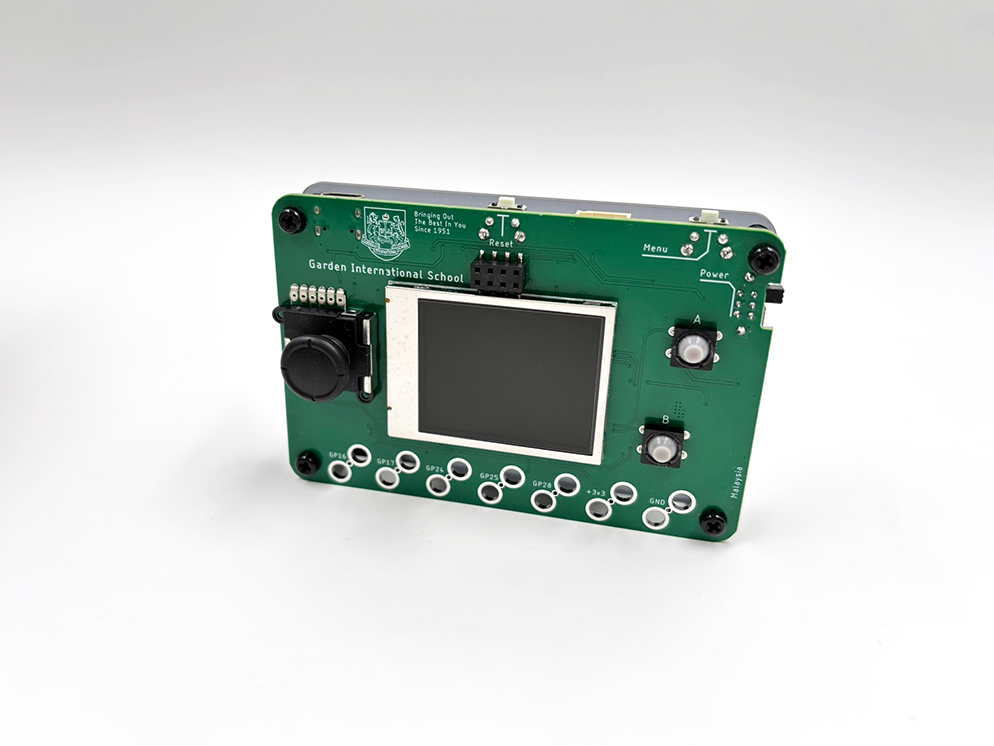
- Game Control: 1x analog joystick, 2x Silicon action push button switches
- System Control: 1x Reset side mounted tactile switch, 1x Menu side mounted tactile switch & 1x strengthen side mounted Power slider switch
- Display: LCD: 1.8” Color TFT LCD screen
- Sound: Onboard Amplifier with build-in 7.5mm x 7.5mm speaker
- Expansion: 1x Grove, 1x Qwiic I2c socket (useable in microPython/circuitPython mode), 1x ESP-01 Socket & 7x Alligator/Crocodile Clip access point
- Indicator
————————————————————————————-
Packing List
————————————————————————————-
- 1 x Type-C to USB-A data cable
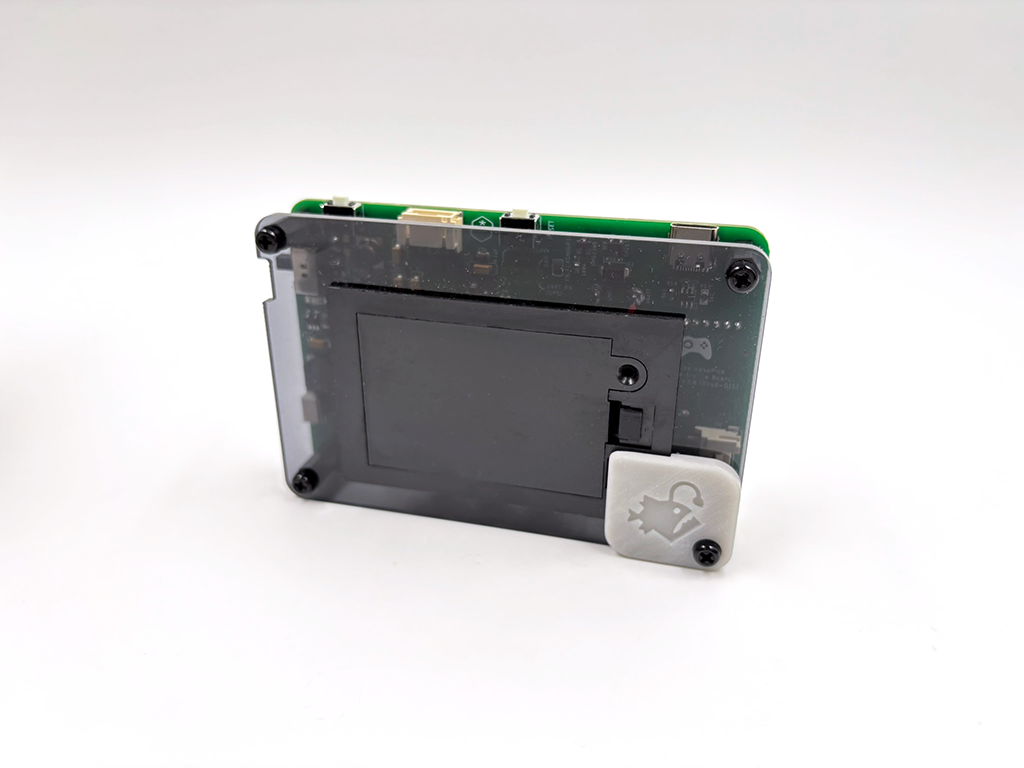
- 1 x Laser-cut acrylic protection backing
Document / Guide: User Quick Start Guide